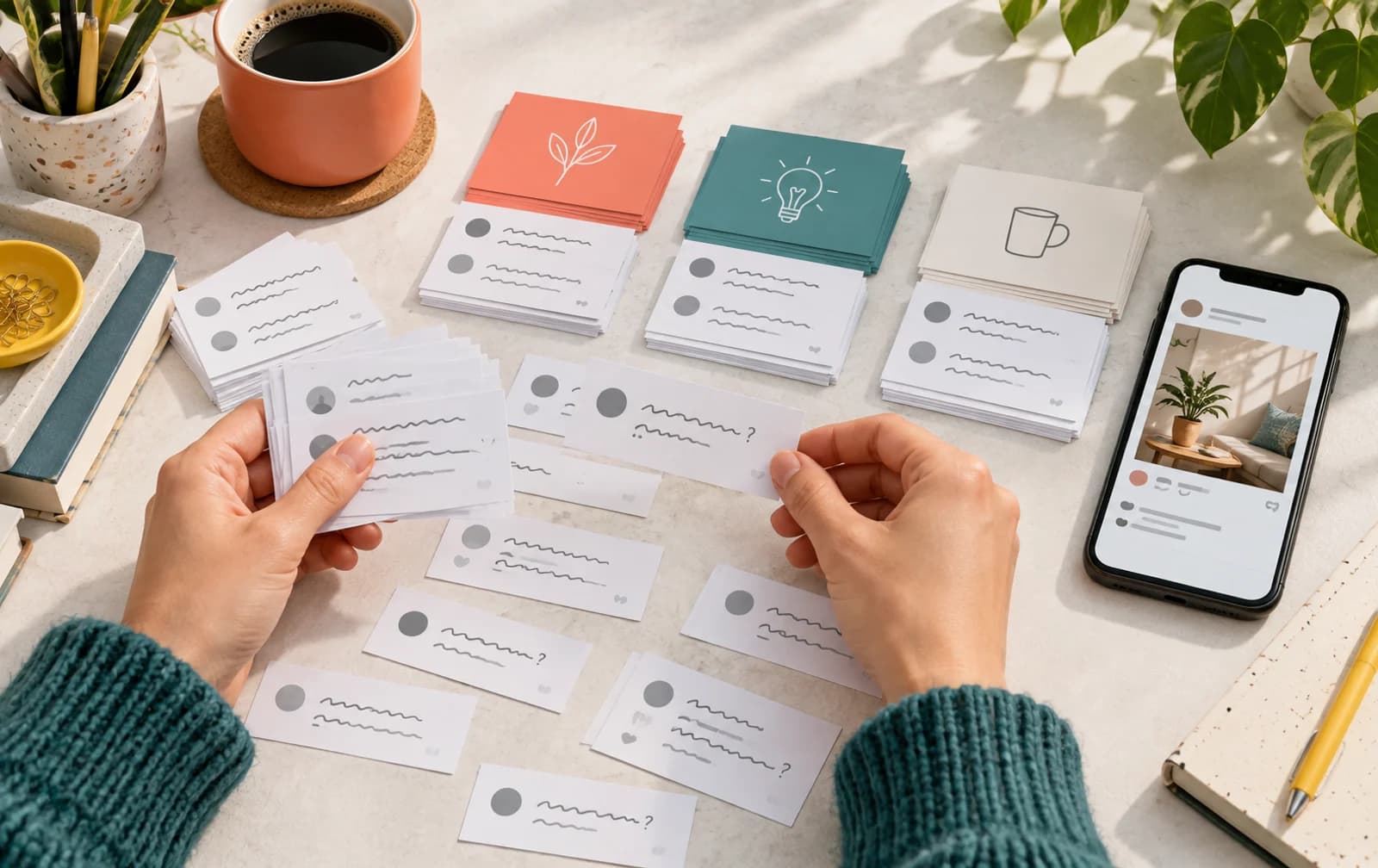
If you want to know how to get more comments on Instagram, start with what someone can say after looking at the post. A broad caption such as “Thoughts?” asks the viewer to invent both a subject and an answer. A question about a visible choice gives them somewhere to begin.
Short answer: Show something people can discuss, ask a specific question about it, and reply with a useful follow-up. Compare posts with the same purpose to see which prompts produce the conversation you want.
Give the post a question with an actual subject
A useful comment prompt comes from the content, not from a list of generic engagement captions. Open the post and identify the choice, detail, or process a viewer can respond to.
A clothing Reel could ask which jacket works with the outfit. A tutorial could ask which part needs a closer explanation. A shop carousel could compare packaging options that are actually shown. Each question gives the viewer enough context to answer without writing an essay.
| Post | Broad prompt | More specific prompt |
|---|---|---|
| Styling Reel | What do you think? | Which jacket would you wear with this outfit? |
| Tutorial | Any questions? | Which step would you like to see close up? |
| Product carousel | Do you like it? | Which finish suits your space? |
| Behind-the-scenes clip | Comment below! | Which part of this process surprised you? |
These are editorial examples, not tested performance claims. Adapt the question to what your post shows. A prompt is easier to answer when the viewer can find the subject without searching through the rest of the profile.
Match the invitation to the amount of effort
Some prompts ask for a quick preference. Others ask for a story, experience, or explanation. Choose deliberately, because the comment you want determines how much work the reader has to do.
For a fast visual comparison, a preference question can be enough. For a tutorial, ask where someone got stuck. For a project post, invite people to describe how they would approach the same problem. Avoid asking for a long personal account when the post only offers a passing glimpse of the subject.
Put the invitation near the relevant detail. In a carousel, the caption can refer to the slide with the comparison. In a Reel, the closing line can return to the choice shown earlier. The content and the question should feel like the same conversation.
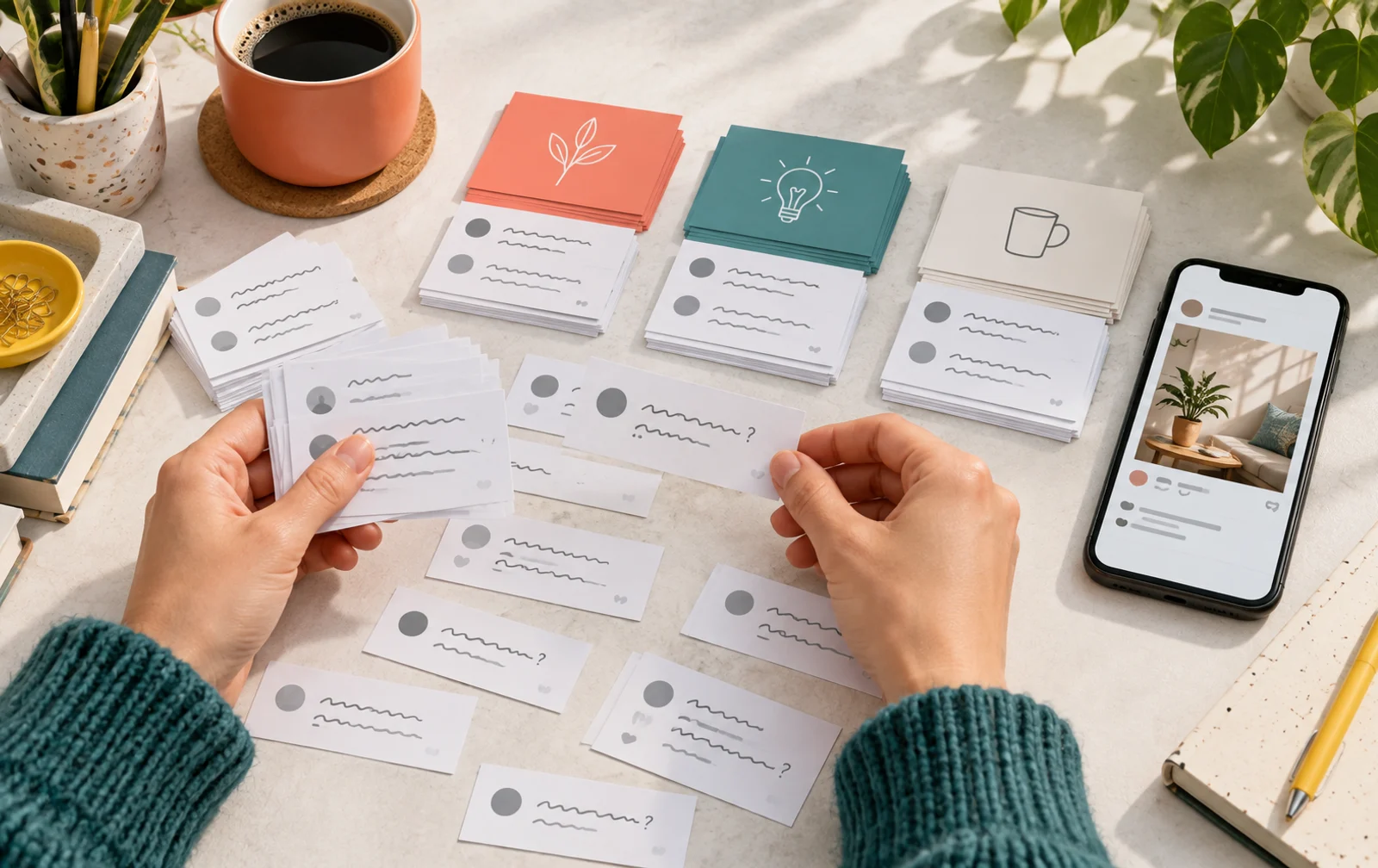
Let replies continue the conversation
When someone leaves a comment, give the response something to work with. If they ask about a technique, explain the part they missed. If they choose a color, ask what they would pair it with when that is useful. If they point out an unclear step, consider a follow-up post that addresses it.
An automatic “Thanks!” can acknowledge the person, but it does not always continue the subject. Read the comment before deciding whether it needs a fuller answer. Some replies deserve a practical explanation; others are simply a reaction, and a short acknowledgment fits them.
Keep your voice consistent with the account. A creator's playful response and a shop's product explanation can both work when they belong to the post. You do not need to turn every comment into a sales pitch. Give a useful answer where the person is already asking a useful question.
Compare conversation formats on your own account
Build a small record of comparable posts. Keep tutorials together, compare product reveals with other reveals, and separate casual updates from campaign announcements. Note the prompt used and the kind of responses it received.
Compare posts at the same elapsed time after publication. Separate audience comments from your own replies, and mark posts that included ordered comments so you can interpret each conversation on its own terms.
The goal is not to find a universal comment rate. It is to identify what your audience can comfortably answer. You may find that a visual choice attracts short preferences while a process question produces fewer but fuller responses. Those are different outcomes, and either can fit the content plan.
Use Instagram Post Stats to inspect public post counters, then read the comments themselves. A count can help identify a post to review, but the wording tells you what people wanted to discuss. Keep the counter and the conversation connected rather than using either alone.

Turn useful comments into the next post
Keep questions that could help more than the person who asked them. A request for a closer product view can become a demonstration. A repeated question about a tutorial can become a follow-up with that step shown more clearly.
Use the subject without unnecessarily exposing the commenter. You can answer a common question in a new post without publishing a private conversation or implying that everyone asked the same thing. Make the new post useful on its own so another visitor can understand it without reading the earlier thread.
This gives you a repeatable content loop: publish a clear idea, invite a specific response, read what comes back, and use a relevant question to plan the next piece. The loop is a working method, not a fixed formula for distribution.
Where paid comment support fits
If you want to support a selected campaign post, Instagram comments offers random and custom variants. Custom text gives you control over the lines submitted with the order, which is useful when the wording needs to stay close to a demonstration or product reveal.
Keep that order separate from your editorial record of audience questions. Your own comments and replies are still where you learn what viewers want explained. For a broader profile check, the Instagram profile analyzer can help you review the public account around the post.
Frequently Asked Questions
What should I ask to get more Instagram comments?
Ask about a detail, choice, or process shown in the post. A question with a clear subject is easier to answer than a generic request for engagement.
Do I need a question in every caption?
No. Use a question when a response fits the post's purpose. An announcement or explanation can stand on its own, while a comparison may benefit from an invitation to choose.
Should I judge success only by the comment count?
Read the count alongside the responses. A brief preference and a detailed question serve different purposes. Compare posts of the same type and decide which conversation supports your next content decision.
What should I do when a comment asks for more detail?
Answer directly if the explanation fits in a reply. If the subject would help a wider audience, use it for a follow-up post that makes sense on its own.
Written by
Deniz Arslan
TikTok and short video
Covers watch behaviour on short video: the first frame, the point where viewers leave, and what a view count does and does not tell you.
All posts