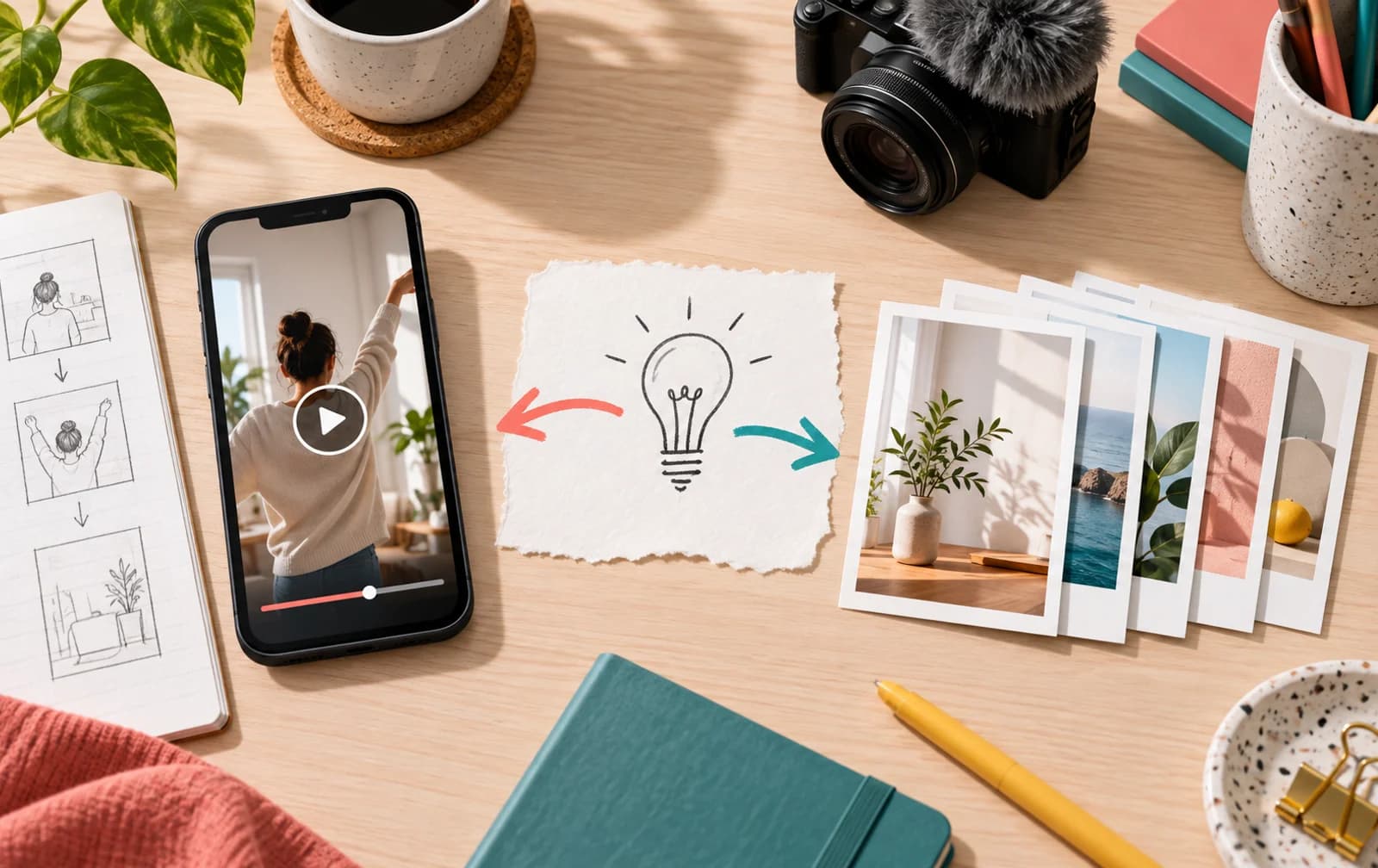
Choose the original post you want put forward
Buy Instagram reposts around a piece of content that carries your message on its own. A repost points back to an existing post or Reel, so the target deserves the first part of your attention. Choose the asset you want someone to encounter, not simply the latest upload.
A product reveal may be the clearest introduction to a collection. A tutorial may explain your work better than the profile bio. A short creator Reel may show the style people should remember. Start with that purpose, then select the package that supports it.
The service starts at 50 reposts. The package selector handles the current prices, giving you a way to compare quantities without relying on a price written into an old paragraph. Keep the target and the selected amount together when you review the order.
Instagram reposts have their own role beside shares
Reposts and shares can sit close together in the language people use, but they are different actions. Instagram's native repost feature puts an original public Reel or feed post forward again while crediting the original poster. Sharing can also mean sending content to another person through a different route.
For your order, use the service name as the distinction. Buy reposts when repost activity is the part you want to support. Choose shares when that is the action your campaign calls for. Keeping the choice specific makes it easier to review what you ordered afterward.
| You want to support | Service to consider | Content to prepare |
|---|---|---|
| Repost activity on an original piece | Instagram reposts | The original public post or Reel |
| Sharing activity | Instagram shares | The public content you want shared |
| The viewing counter on a video | Instagram views | The exact public Reel or video |
| The public reaction count | Instagram likes | The selected post or Reel |
Instagram introduced native reposts in its August 2025 product announcement. The feature is built around existing public content, rather than creating a downloaded copy with a new owner. That original-content distinction is useful when you select the target for a repost order.
Reposts for Instagram Reels with a clear introduction
A Reel needs to tell its story quickly when it is encountered outside your profile. Check the opening frame, then watch the clip without relying on the rest of your feed to explain it. The repost target should give someone enough context to understand what they are seeing.
For a shop, that may mean a demonstration where the product is visible from the start. For a creator, it may be a finished edit that shows a recognizable style. For an event, it may be the announcement that includes the detail people need to remember.
Choose the selected Reel as your repost target. Prepare the final version first, including its cover and caption. If the Reel is one part of a longer campaign, choose the clip that introduces the campaign most clearly to someone who has not followed the sequence.
A useful self-check is to open the Reel as if it had been sent to you without an explanation. Can you identify its subject? Does the caption add something useful? Does the profile behind it carry the same message? These questions keep the package decision attached to the actual asset.
A repost plan for launches, tutorials, and portfolio clips
The main launch asset
Prepare a launch handover that identifies the selected post, the person approving the order, and where the current product details are recorded. If your campaign includes several versions of an announcement, agree which one the order should use before checkout. Keep the approved link with the package selection so the team can check the same content during delivery.
Before ordering, check any date, offer, or product detail in the caption. If the launch message has changed, update the original post before using it as the target. Keeping one clear campaign asset is easier to manage than sending attention toward an announcement you are about to replace.
A useful tutorial
Tutorials give people a reason to revisit the original. Pick the version with a clear explanation and a finished result. The title frame should tell a new viewer what the tutorial covers, while the caption can hold the detail that would slow down the video.
If you have several tutorials, compare posts with the same purpose. Look at which one already works as a complete explanation. That is a practical target-selection method based on your own content, not a claim that every tutorial needs a particular repost count.
A portfolio piece that represents your style
A finished project or creator edit can introduce the account more directly than a collection of unrelated uploads. Choose the piece you would show someone first. Give its cover, caption, and profile context a final check before ordering.
For a team or client, agree on the original target before choosing the package. That avoids a common campaign mix-up: one person discussing the finished Reel while another copies the teaser link. Keep the agreed URL beside the order details.
Make the package fit the post's place in your campaign
The 50-repost starting point lets you begin with a selected asset rather than planning support for your entire feed. Choose the quantity with the content's role in mind: a compact tutorial, a major reveal, or a portfolio introduction.
Compare the target with other posts on your account that serve the same purpose. Inspect the activity you can see, how the post is presented, and whether the profile gives visitors a clear next step. Your own comparable content is a more useful reference than an unrelated account's strongest post.
Keep delivery questions attached to the order reference and original URL. If you are working with a launch schedule, prepare the finished target ahead of that schedule and review the service details available for your chosen package before payment.
Follow the repost target through to the profile
A strong original piece gives people a place to land; the profile gives them a place to continue. Match the bio, pinned content, and recent posts to the asset you chose. The account should make sense when someone taps through from the Reel.
Use Instagram shares for sharing support, or Instagram saves for reference content people may return to. Check the Instagram profile analyzer if you want to inspect the public profile and recent post activity before choosing your campaign target.
Choose the original piece you want to put forward, review the repost packages above, and keep the order focused on that content.