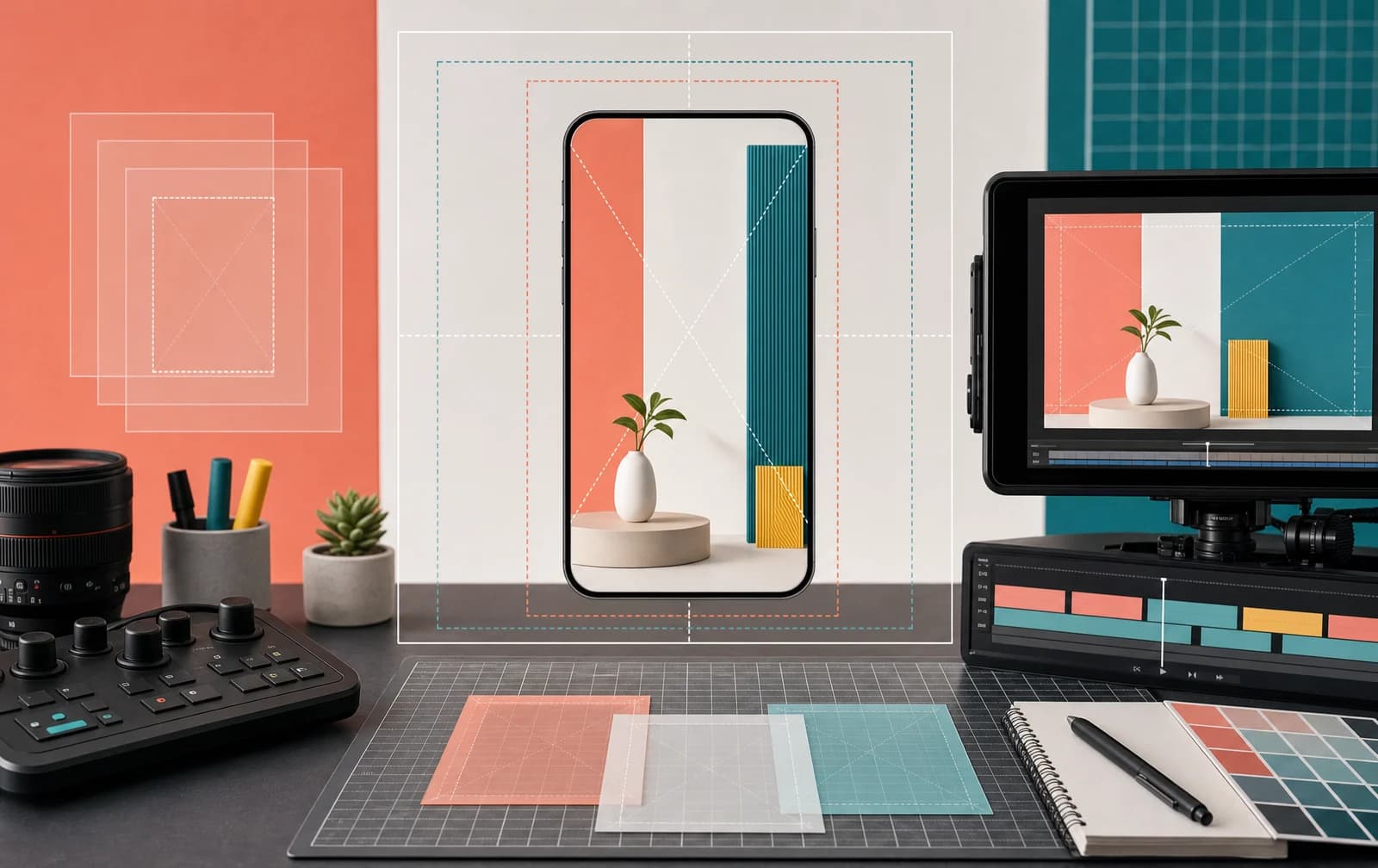
The most practical Instagram Reel size is 1080 x 1920 pixels on a 9:16 vertical canvas. That fills a modern phone screen and gives editors a familiar production preset. It is not Instagram's documented minimum upload size, and 9:16 is not the only aspect ratio Instagram accepts for Reels.
That distinction matters. A good workflow separates Instagram's published limits from the canvas that is usually easiest to design, review and reuse.
Instagram Reel size at a glance
| Setting | Practical choice | What Instagram documents |
|---|---|---|
| Canvas | 1080 x 1920 px | Minimum resolution of 720 pixels |
| Aspect ratio | 9:16 vertical | Accepted range from 1.91:1 to 9:16 |
| Frame rate | Match the source frame rate | Minimum 30 FPS |
| Cover | Compose for multiple crops | Recommended cover size of 420 x 654 px |
| File orientation | Portrait | Landscape and square can fall within the accepted ratio range |
Instagram lists the accepted Reel aspect-ratio range, minimum frame rate, minimum resolution and recommended cover size in its official Reels upload guidance. Product interfaces can change, so check the current publishing screen when an exact limit matters to a client or production pipeline.
Upload limits and the best working canvas are different
Many Instagram Reel size guides collapse two separate ideas into one sentence: “Reels must be 1080 x 1920.” A 1080 x 1920 file is a sensible choice because it is 9:16, sharp enough for common phone viewing and easy to create in most editors. Instagram's help page, however, states a minimum resolution rather than requiring those exact pixel dimensions.
Use these labels accurately:
- Official accepted ratio range: 1.91:1 through 9:16.
- Official minimum quality: at least 30 FPS and at least 720-pixel resolution.
- Practical production preset: 1080 x 1920 pixels at 9:16.
The practical preset gives you more predictable full-screen composition. A wider upload may be accepted, but it leaves less of the phone screen available for the picture and can make text harder to read. A square source can work if framed deliberately, but padding or unused screen space can weaken the viewing experience.
Do not enlarge a small, heavily compressed source just to produce a 1080 x 1920 export. The file dimensions will increase, but missing detail does not return. Start from the cleanest available source and avoid repeated download, edit and re-upload cycles.
Plan for Reels, feed previews and the profile grid
A Reel is not viewed in only one frame. It may appear full screen, in a feed preview, on the profile grid, in a share or behind interface controls. The exact presentation can vary, so a rigid “safe zone” made from unexplained pixel numbers can become brittle.
Use resilient composition rules instead:
- Keep the main subject near the visual center unless movement clearly requires another placement.
- Leave breathing room around text, faces and product details.
- Avoid placing essential words at the extreme top or bottom of the frame.
- Keep critical information away from the right-side action controls.
- Preview the cover and grid crop before publishing.
Design the full Reel first, then inspect the smaller surfaces. A title that looks balanced at full height may be clipped or cramped in a preview. If the cover is important for profile navigation, create it as a separate composition rather than grabbing a random video frame.
Instagram recommends a 420 x 654 cover image, but notes that the cover cannot currently be edited after upload. Treat the cover selection as part of the publishing check, not an afterthought.
If you are reviewing an existing public Reel, the Instagram Downloader can help inspect the available public media output. It does not recover an uncompressed original or expose private creator settings.
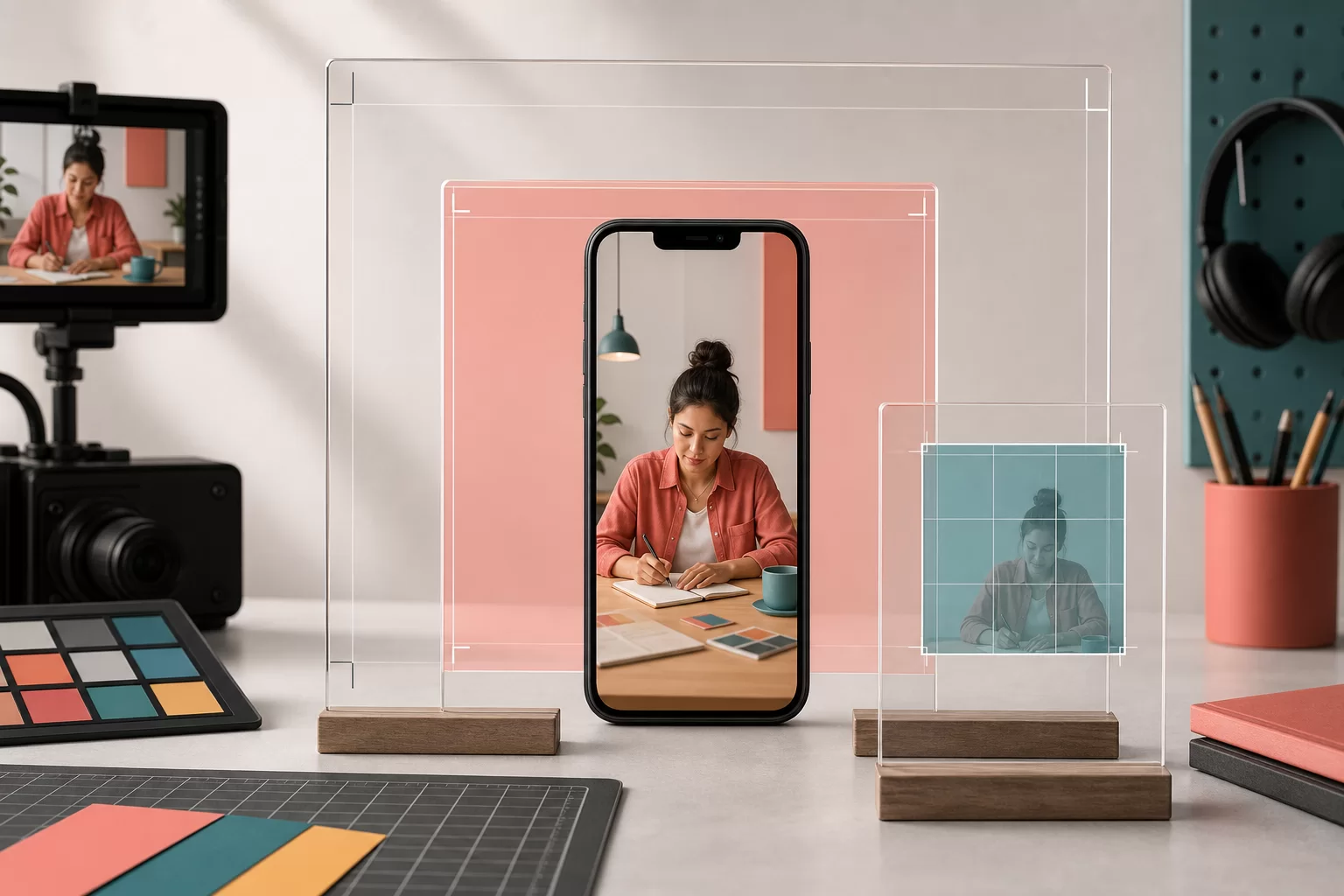
Export settings for a clean Reel
Exact menus differ between Premiere Pro, CapCut, Final Cut, DaVinci Resolve and mobile editors. The decision sequence stays similar.
1. Set the project canvas
Create a 1080 x 1920 vertical sequence when the Reel is designed for full-screen viewing. Match the timeline frame rate to the source when possible, provided the final result meets Instagram's published minimum.
2. Reframe before adding text
Portrait crops often remove useful context from landscape footage. Scale and position each shot before placing captions, labels or graphics. Check moving subjects across the entire clip, not only on the first frame.
3. Use readable on-screen text
Write for a phone display. Use enough contrast, keep lines short and avoid stacking important copy into areas occupied by captions or controls. Burned-in captions should remain understandable even when the interface covers part of the lower frame.
4. Export once from the best source
Use a modern video format supported by the publishing workflow, retain a clean master and avoid sending the file through messaging apps that may compress it before upload. If your editor offers a platform preset, verify its dimensions instead of assuming the preset name is current.
5. Review the actual file
Before publishing, check:
- The file is portrait and not accidentally rotated.
- Text is sharp at phone size.
- No important subject is cut off.
- Audio begins and ends intentionally.
- The cover works in the available preview.
- The upload screen does not show an unexpected crop.
For performance review after publication, use the Instagram Post Stats tool for public counts and Instagram Insights for private reach, watch and interaction data.
Choose Reel length from the job
“Instagram Reel length” is a separate question from dimensions. App limits and available creation features can change, while the useful duration depends on the content.
A demonstration should be long enough to show the meaningful action. A comparison needs time to establish what is being compared. A quick visual joke may need far less explanation. Cutting a tutorial to fit a borrowed “best length” can make it confusing; stretching a simple idea can add friction.
Decide the duration from three things:
- Viewer task: What does someone need to understand or feel?
- Format: Is this a demonstration, story, answer, reveal or reference?
- Evidence: Where do viewers on this account stop, replay or continue?
Use Instagram Insights to compare similar Reels from the same account. There is no universal duration that produces reach for every audience and topic.
Reel size does not fix weak retention
Correct Instagram Reels dimensions remove avoidable technical friction. They do not create a strong premise, understandable opening or useful payoff.
If a properly exported Reel still receives weak distribution, investigate the content before rendering the same edit at another resolution. Ask whether the intended audience can identify the topic, whether the first visible information makes sense without context and whether the video fulfills its promise.
An Instagram views package changes the ordered visible view count on an eligible public Reel. It does not provide watch time, retention or recommendation eligibility. Keep that commercial input separate from the organic performance signals you review in Insights.
For the broader account journey, the guide to getting more Instagram followers explains how discovery, profile visits and follow conversion connect.
Instagram Reel size questions
What size should an Instagram Reel be?
Use 1080 x 1920 pixels at 9:16 as a practical full-screen editing preset. Instagram officially accepts a wider aspect-ratio range and documents a minimum resolution of 720 pixels.
What is the Instagram Reel aspect ratio?
The full-screen vertical ratio is 9:16. Instagram's help documentation says Reels can be uploaded between 1.91:1 and 9:16, so accepted upload ratios and the preferred full-screen canvas are not identical.
Can I upload a square or landscape Reel?
An upload may fit Instagram's accepted ratio range, but it will not use the screen like a 9:16 portrait video. Preview the result and make sure the composition still works with surrounding interface elements.
Is 720p enough for Instagram Reels?
Instagram states a minimum resolution of 720 pixels. A 1080 x 1920 master is a useful production choice when the source supports it, but enlarging low-quality footage will not restore detail.
What size is an Instagram Reel cover?
Instagram recommends 420 x 654 pixels for the cover. Compose it with profile and preview crops in mind, and confirm it before publishing because Instagram says the cover cannot currently be edited after upload.
Why does my Reel look cropped?
The file can appear in several placements with interface overlays and different previews. Reframe the subject on a 9:16 canvas, keep essential text away from the edges and check the cover and publishing preview before posting.
Written by
Deniz Arslan
TikTok and short video
Covers watch behaviour on short video: the first frame, the point where viewers leave, and what a view count does and does not tell you.
All posts