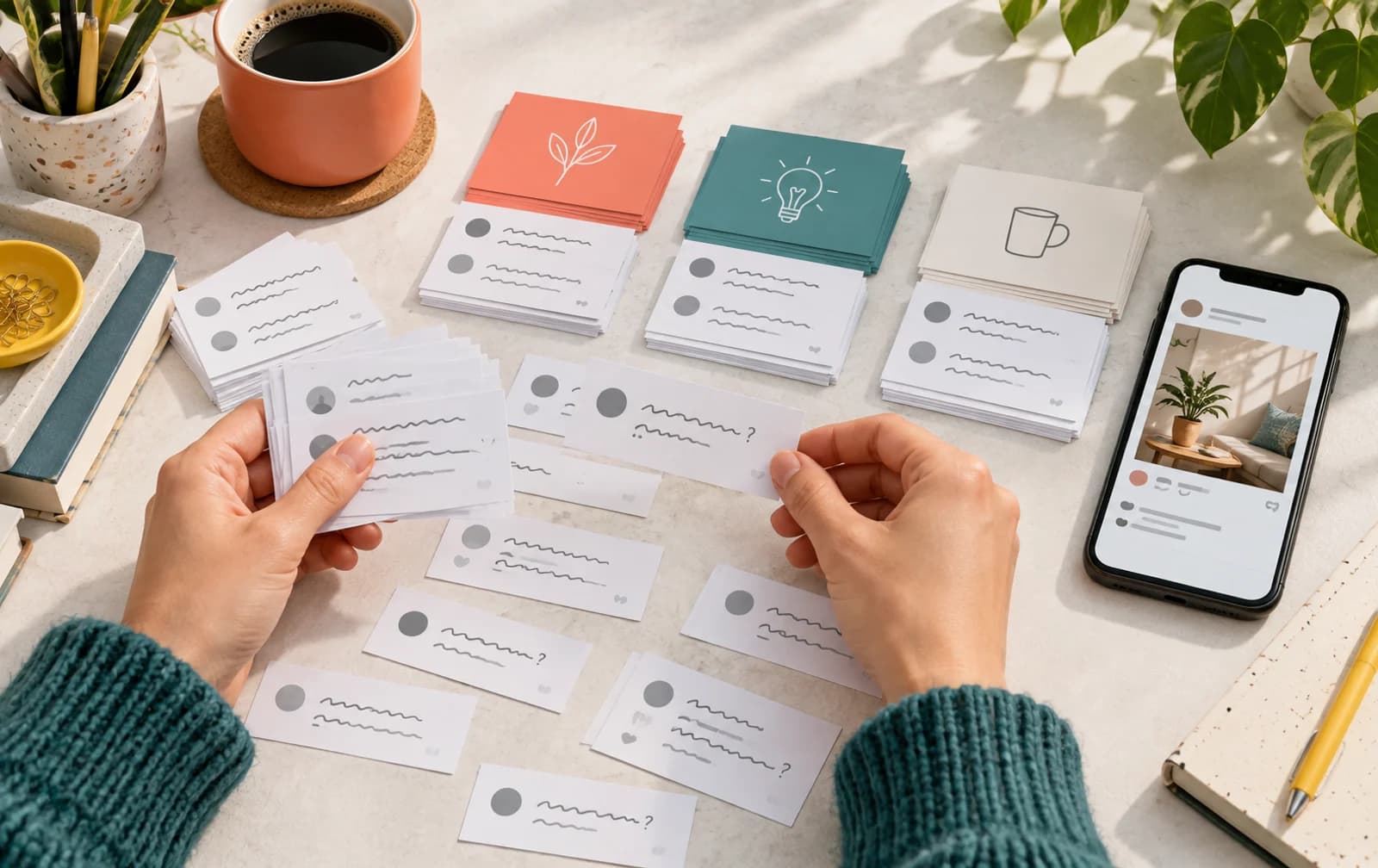
Wondering how to get more comments on TikTok? Start inside the video: give a viewer something to notice, choose, or ask about before sending them to the caption. A prompt attached to a visible moment has more context than a request for comments attached to an unrelated clip.
Short answer: Build the clip around a discussable moment, ask a specific question, and use useful replies to plan follow-up videos. Compare similar clips on your account instead of chasing a universal comment benchmark.
Find the moment someone can respond to
Watch the finished video and identify its clearest subject. It might be a visible styling choice, a technique, an edit, or a result shown on camera. That subject is your starting point for the comment invitation.
A cooking demonstration can ask which step needs another angle. A styling clip can invite a choice between outfits. A creator showing an edit can ask which transition stands out. The question should make sense to a viewer who has just watched the video, without needing to search your profile for the missing context.
Write the prompt after the edit is settled. If you change the sequence, check that the question still refers to the moment people see. This is especially helpful for a campaign where the caption and the video are prepared by different people.
Use a choice when you want a quick answer
A choice gives the viewer a small, defined task. It can be visual, practical, or creative, but the alternatives should be understandable from the clip itself.
| Clip subject | Comment invitation |
|---|---|
| A product comparison | Which version would fit your routine? |
| Outfit styling | Which combination would you wear? |
| A process demonstration | Which step should get its own video? |
| A finished edit | Which moment would you keep in the opening? |
These are illustrative writing examples. Choose the prompt that belongs to your content, and keep its language close to how you already speak in the video.
A preference question suits a quick reaction. A process question invites a different sort of comment, because the viewer may need to explain where they got stuck. Either can be useful. Decide which kind of response would help the next post rather than using the same invitation for every clip.
Let the caption finish the thought
The caption can clarify the question, name the options, or add the detail needed to answer. It should not have to explain an entirely different subject from the one shown in the video.
Keep the instruction direct. If you are comparing visible items, use the same names in the clip and the caption. If you are asking about a technique, name the step. A viewer should be able to move from watching to responding without having to decode what the prompt refers to.
For a local audience, write the invitation in the language of the clip. Match the tone too: a casual creator post and a product demonstration can have different voices without needing a generic engagement line pasted underneath them.

Answer the subject behind the comment
Read what the person is actually asking before choosing a reply. A question about a visible detail deserves a direct explanation. A preference might invite a short follow-up. A simple reaction may only need an acknowledgment.
Useful replies can become content notes. If a viewer asks to see a step more clearly, record that topic for a demonstration. If someone suggests an alternative approach, decide whether it would make a good comparison clip. Use the idea because it belongs to the content, not simply because it creates another post.
Keep private information out of public replies. You can answer a product question without asking someone to publish personal details in the comment section. When a conversation needs private support, move it through the account's appropriate contact route.
Review comments and views separately
Comment activity and a viewing counter give you different information. The counter shows one part of the video's activity; the comments show what people chose to say. Read them together without treating either as a universal quality score.
Use the TikTok profile analyzer to inspect recent public post activity, then open the relevant clips and read the responses. Compare videos with similar subjects and presentation. A tutorial, a product reveal, and a casual update ask different things of the viewer.
Keep a record of the prompt and the type of response. Did viewers choose an option, ask for a demonstration, or discuss the topic with each other? Those observations help you decide what to repeat or refine. They are more useful for your content plan than copying a ratio from an unrelated account.
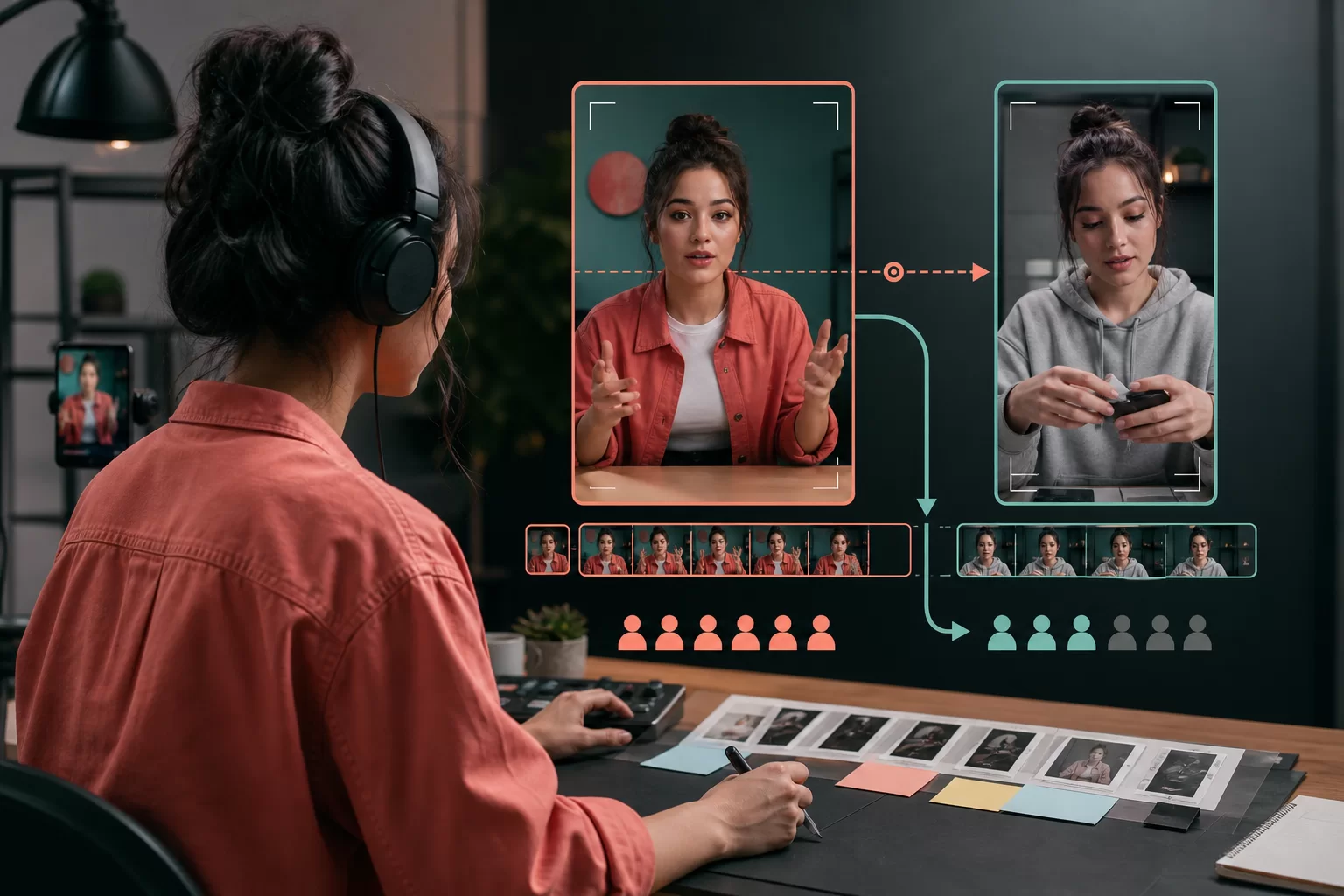
Plan the next clip from a useful question
Choose a comment subject that can become a complete video. Show the missing angle, explain the step, or demonstrate the alternative. Give the follow-up its own clear opening so it works for someone who has not seen the earlier post.
You can refer to the question without claiming it was asked by everyone or displaying a commenter's private details. Keep the credit and context appropriate to what the commenter shared publicly. The new clip should answer the subject, not depend on a long account of the earlier conversation.
If you are also planning promotional support for a selected video, TikTok comments provides random and custom options. Keep submitted campaign lines separate from the audience questions you use as editorial feedback. For video planning beyond the comments, read the TikTok views guide.
Frequently Asked Questions
What should I say to encourage TikTok comments?
Ask about something visible or explained in the clip. A choice, a technique, or a request for a closer demonstration gives the viewer a defined subject.
Should the question be in the video or the caption?
Let the video establish the subject. Use the caption to clarify the question or options when that helps. Both should refer to the same idea.
Should every comment become another video?
No. Choose a question that would make useful content for more than the original commenter. A brief acknowledgment can be enough for a simple reaction.
How do I know which prompt fits my audience?
Compare similar clips on your own account. Record the invitation and read the resulting comments, then repeat the type of conversation that supports your content plan.
Written by
Jonas Brenner
Engagement signals
Writes about likes, saves, comments and shares as separate signals, and about reading them together instead of chasing one number.
All posts