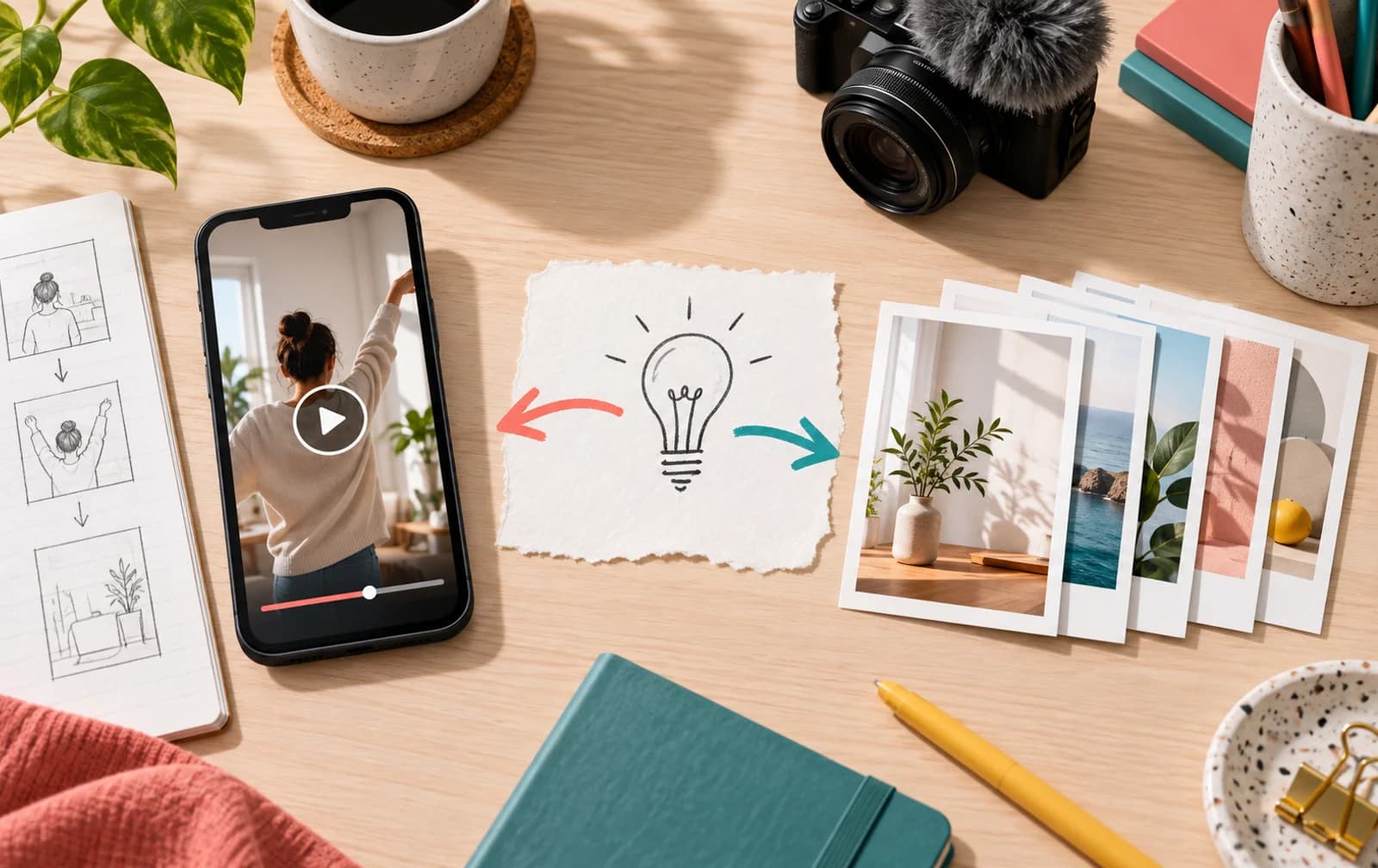
The Instagram Reels vs carousel question sounds like a contest with one winner. It is usually a production decision. A Reel can show motion, timing and voice; a carousel lets someone pause, compare and return to a particular step. Neither format earns a universal distribution bonus that makes a weak idea useful.
Start with the action the viewer should be able to take after seeing the post. Then choose the format that makes that action easiest. If the goal is to compare two export settings, swiping through labeled examples may work better than watching a voiceover twice. If the goal is to show how a product behaves in someone's hands, still frames may hide the important part.
Choose by the information, not by a format trend
Use a quick format test before opening the editor:
| Viewer need | First format to try | Why |
|---|---|---|
| See a change happen over time | Reel | Motion carries the explanation |
| Compare several options at their own pace | Carousel | Each slide can hold one choice |
| Hear tone, personality or a spoken demonstration | Reel | Delivery is part of the message |
| Save a checklist or reference sequence | Carousel | Individual steps remain easy to revisit |
| Understand both the demonstration and the steps | Two complementary posts | Each format has a distinct job |
These are editorial starting points, not performance predictions. A recipe can be a Reel if the mixing sequence matters and a carousel if the measurements matter. A creator can use both: show the method in motion, then provide a reference card for the person actually cooking.
Instagram supports scheduled Reels and carousel posts for professional accounts, which makes planning a paired test practical. Its scheduling help describes those as distinct post types, not as interchangeable ways to package the same media.
Write the first frame for the viewing surface
The Reel's opening frame must make sense while the viewer is scrolling. A voiceover may be muted, so the visual should establish the subject quickly. When a demonstration needs context, show the object or problem before the camera cuts to detail. The remaining seconds can deliver the proof.
A carousel's first slide does a different job. It should tell someone what the swipe will resolve, without hiding the answer behind a vague cliffhanger. The middle slides need a sequence that survives being read out of order: example, decision, consequence. The final slide should help the reader use the information, not merely ask for engagement.
Both formats also appear on the profile. Check a Reel cover and a carousel first slide at grid size. A beautiful post with illegible cover text becomes an unclear promise to someone visiting the account for the first time. For the technical side of video framing, use the Instagram Reel size guide.

Compare outcomes without mixing denominators
“The Reel got more views” and “the carousel got more saves” do not yet tell you which better served the campaign. Views, reach, interactions and profile actions answer different questions. In professional-account Insights, compare like with like where the same metric is available, and keep the different consumption paths visible.
For a fair small test, choose one topic family and two ideas of similar specificity. Do not compare a celebrity collaboration Reel with an ordinary product-information carousel. Record:
- The job of each post: discovery, explanation, reference or conversion.
- How many relevant people saw it, using the account's available reach or view data.
- What they did next: shares, saves, meaningful comments, profile visits or link actions where available.
- The production time and whether the result is repeatable.
Repeat across several posts before calling a winner. A single post may benefit from timing, topic, collaborator or an unusually strong opening. Also avoid comparing a follower-based engagement rate on one format with a reach-based rate on the other; the denominators change the story. The saves-versus-likes guide explains why a reaction count alone is not a verdict.
Turn one idea into two useful pieces
Repurposing is not copying the Reel transcript into slides. A bicycle repair account could film a Reel showing the sound of a misaligned brake. Its carousel could show a decision tree for identifying the source and when to stop and seek a mechanic. The Reel demonstrates; the carousel becomes a reference.
This paired approach also reveals whether the problem is the subject or the packaging. If both pieces attract the wrong audience, improve the topic and promise. If the Reel earns interest but the carousel gets bookmarked, the formats may be doing complementary jobs. If both bring profile visits but few follows, the issue may be the profile itself rather than the format. The Instagram follower growth guide separates discovery from profile conversion.
Do not force every idea into two posts. If the second version adds nothing, skip it. The aim is a stronger content library, not a quota of formats.
Decide the next week's mix
Audit the last few weeks by purpose instead of counting Reels against carousels. Which audience question is still unanswered? Which useful post was difficult to understand because it was in the wrong medium? Which production step slowed the team down?
If you need to show an action, film it. If you need a durable sequence, design it. If you need both, give each version a reason to exist and measure the next action separately. That is a better answer to Reels vs carousels than a universal posting ratio.
Reels and carousel questions
Are Reels always better for reach than carousels?
No universal rule applies to every account and topic. Compare similar ideas within your own Insights and judge each post against its intended job, not a format-wide promise.
Should I publish the same idea as both a Reel and a carousel?
Only if the second version adds a distinct use. A demonstration and a reference checklist can complement each other; copying the same script into slides rarely does.
Which format is easier to save for later?
A step-by-step carousel is often easier to revisit, but a useful Reel can also be saved. Test the behavior on your own content rather than assigning a fixed signal to a format.
Written by
Mara Velasco
Instagram growth
Writes about the path from a post being seen to a profile being followed, and about the measurements that show where that path breaks.
All posts